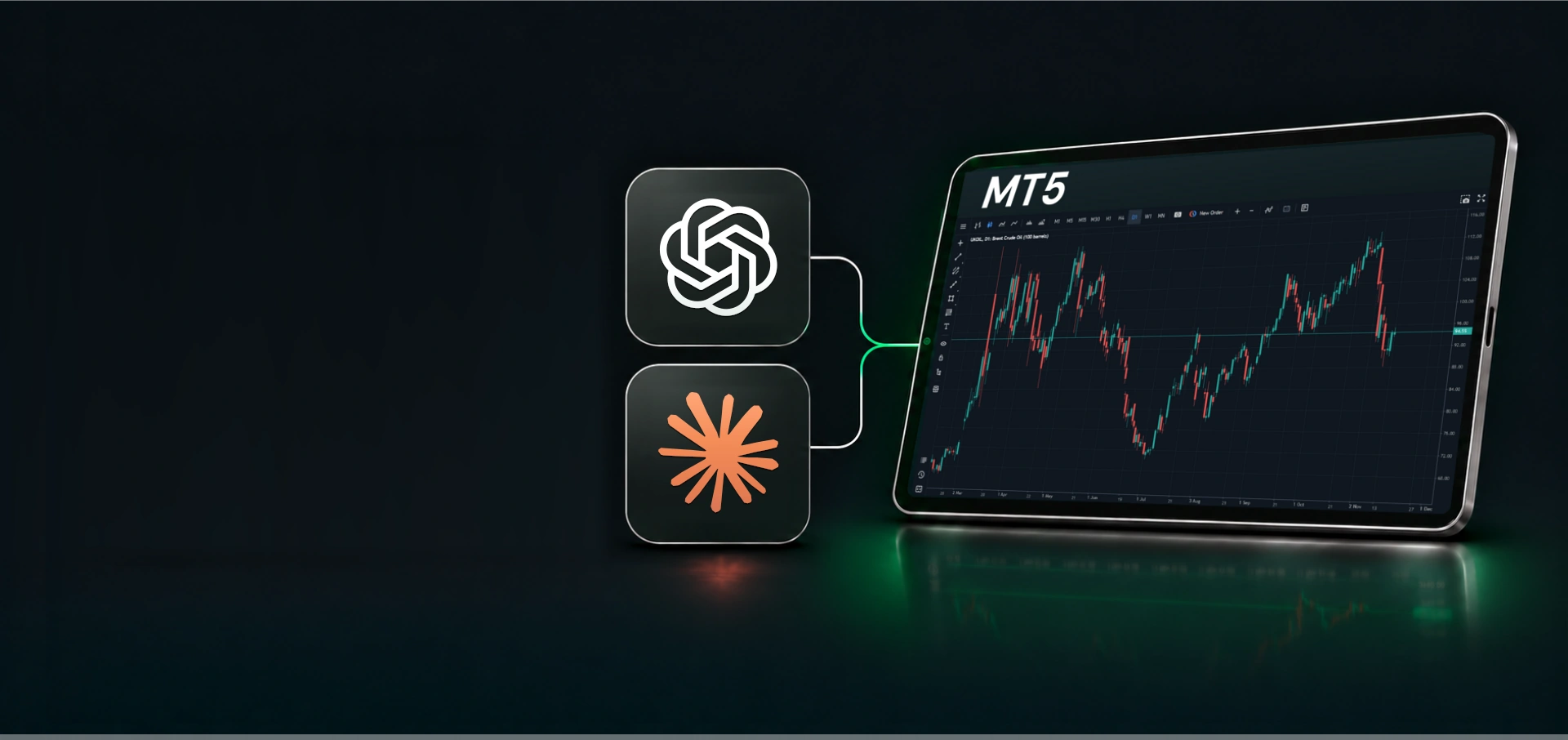
ChatGPT and Claude connected to an MT5 trading screen

NordFX
AI Trading

Your Trading Account Connected to Your Favorite AI Agent

Analyse markets, open and manage trades, transfer funds and access account services directly through ChatGPT, Claude and other AI models.

AI-Assisted Trading

The Future of Trading Is Already Here

AI × NordFX
You

Buy 0.01 lots of XAUUSD at market. Set a Stop Loss and Take Profit, and show me the execution result.

AI assistant

Execution overview

This is an illustrative example. Figures are simulated; available actions depend on your permissions and AI application.

Everything You Need to Trade with AI

For Beginners

Your Personal
AI Mentor

Learn trading basics and understand your account with AI.

  • Get set up

    Ask AI how to install MT5, log in and set up your charts.

  • Understand the market with AI

    Ask AI to explain quotes, spreads and price movements.

  • Learn as you trade

    Understand balances and margin. Learn to place orders and set Stop Loss and Take Profit.

For Pros

Your AI
Trading Analyst

Explore markets and understand your trading results.

  • Analyse the market

    Explore price movements, support and resistance, chart and candlestick patterns.

  • Review your performance

    Check win rate, profit factor and real-account results after commissions and swaps.

  • Plan and manage trades

    Plan risk/reward and position size; open or partially close trades, manage pending orders and SL/TP.

From Question to Action

Choose a prompt and try it with your AI.

Analyse my trading results for the last 30 days, including win rate, net profit, commissions and swaps.

Show me gold’s current price and spread, then summarise its movement over the last five trading days.

Show my open positions and help me close part of the position I choose.

Help me transfer funds from my NordFX wallet to my MT5 trading account.

What's my KYC status and what's left to verify?

Explain my account’s balance, equity and free margin.

Or ask your own question and give an instruction in natural language.

How to get started

Connect your NordFX account to ChatGPT, Claude or another compatible AI using Model Context Protocol (MCP).

  1. Choose your AI

    Open your preferred AI application.

    Open ChatGPT
  2. Add NordFX as a plugin

    CustomizePluginsAddAdd custom MCP server

    Enter NordFX as the name and paste the server URL below.

    https://mcp.nordfx.com/mcp

    Keep OAuth authentication. Review and acknowledge the notice, then select Create as a plugin → Connect NordFX.

  3. Sign in to NordFX

    Sign in to your NordFX account and authorise the requested access.

  4. Choose your permissions

    Select the access you want to grant to your AI application.

  5. Start a conversation

    Start with a simple question: "Show my NordFX trading accounts."

You’re in Control

You can revoke all permissions at any time in your NordFX Personal Area.

AI CAN

  • Explore live prices, spreads and market movements.
  • Review your trading performance and manage positions.
  • Check balances, open MT5 accounts and change leverage.
  • Get deposit details and transfer funds between your own accounts.
  • Check your verification status and contact NordFX support.

AI NEVER

  • Withdraw money or transfer it to others.
  • Place trades without your permission.
  • Change your passwords or security settings.
  • Perform operations outside the permissions you grant.
  • No API keys.
  • No additional fee.
  • No coding.

Frequently Asked Questions

What is NordFX AI Trading?

NordFX AI Trading connects your MT5 accounts to compatible AI assistants through Model Context Protocol (MCP), an open standard for connecting AI applications to external services. You can access account information, analyse real-account trading results and perform supported trading and account actions through your AI assistant.

Which AI assistants can I use?

You can connect ChatGPT, Claude or another compatible AI application through Model Context Protocol (MCP). NordFX provides the connection, while each AI provider determines its application’s features, subscription requirements and rules.

Which trading accounts are supported?

NordFX AI Trading supports real MT5 Pro and Zero accounts. MT4 accounts are not supported. You can also request a new real MT5 account through AI, subject to the usual account requirements. MT5 demo accounts are also supported for practice.

Do I need MetaTrader installed or programming skills?

No. Supported operations run through your NordFX connection, so you do not need a locally installed MetaTrader terminal or coding knowledge. You need a NordFX account and an AI application and plan that support the connection. Normal NordFX verification and regional requirements apply.

Can I use NordFX AI Trading on my phone?

Yes, if your mobile AI application or browser supports the connection and authorisation process. NordFX does not impose separate mobile restrictions, and a desktop application is not required.

Is there an additional fee?

NordFX does not charge an additional integration fee. Your account’s normal trading conditions and commissions still apply.

Can I use AI without allowing it to trade?

Yes. Choose read-only permissions when connecting to access account information, market data and real-account analytics without allowing trades, transfers or account changes.

Can I place and manage trades through AI?

Yes, with the required permissions and AI trading enabled. Supported actions include market, limit and stop orders, full or partial position closure, SL/TP changes and cancellation of pending orders.

Your AI application may still decline a request under its own rules, even when NordFX permissions are enabled.

Futuristic AI figure overlooking a green-lit horizon

Connect Your AI to NordFX

Review your trading, manage positions and handle account tasks through ChatGPT or Claude.

Situs web ini menggunakan cookie. Pelajari lebih lanjut tentang Kebijakan Cookie kami.