Getting Started
Start Trading with NordFX
Follow a simple step-by-step guide to begin trading — from creating your account to placing your first trade.
Create Your Personal Area
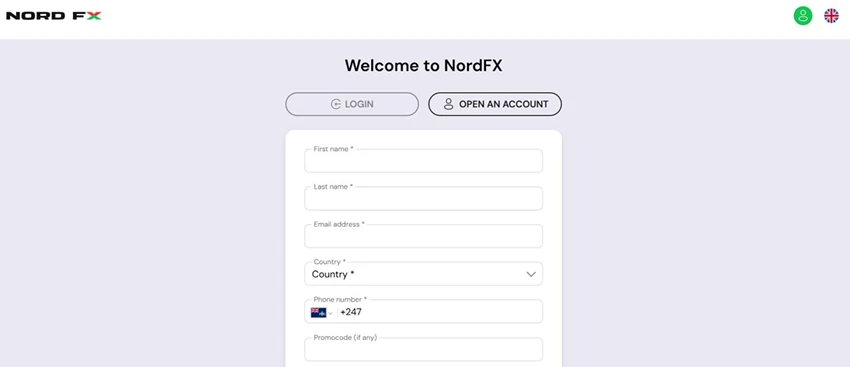
Start by completing The Registration Form. You will need to provide your first name, last name, email address, country, and phone number.
After accepting the Terms and Conditions, click Open an Account and verify your email address to continue.
Verify Your Account
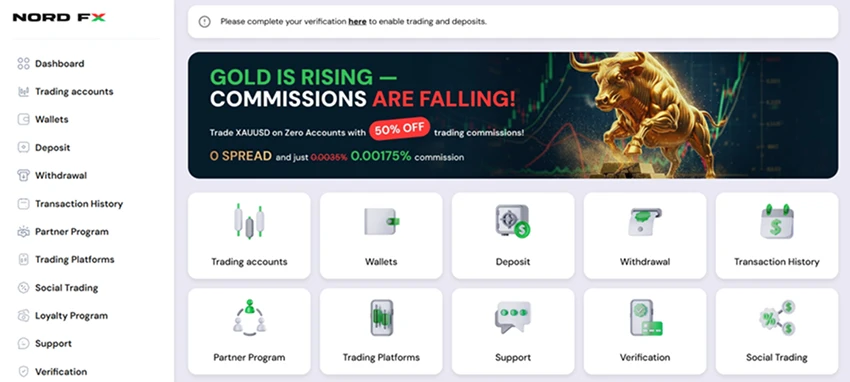
Log in to your Personal Area and complete the verification process. First, confirm your phone number, then upload identity documents such as a passport or driver’s license.
You may complete verification later, but some account features may be limited until it is finished. Completing verification early ensures full access to your Personal Area and trading functions.

Open a NordFX Live Trading Account
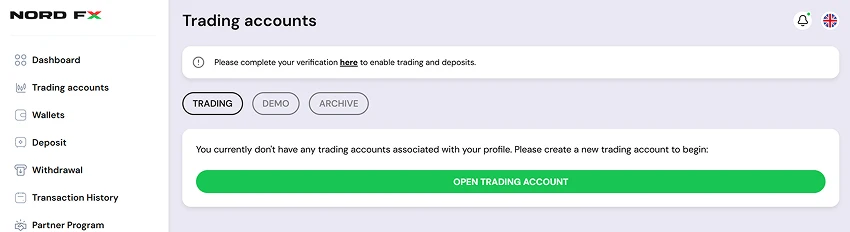
Next, open a live trading account in your Personal Area. Go to the Trading Accounts section and click Open a Trading Account.
Follow the instructions, choose the platform and account type, complete the short form, and confirm your request. Your live trading account will be created instantly.

Deposit Funds
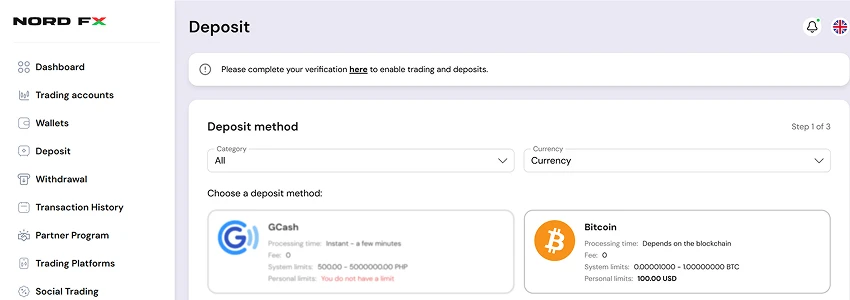
To start trading, go to the Deposit section in your Personal Area. Choose a deposit method, select the category and currency, and follow the instructions to complete your payment.

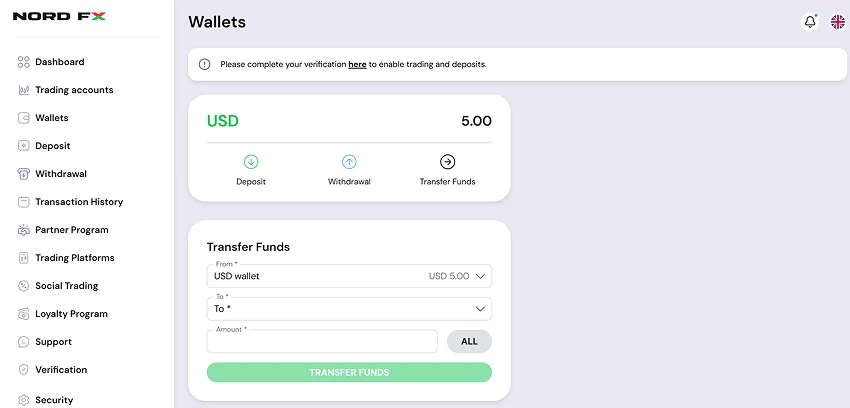
The deposited funds will appear in your Wallet. From there, you can transfer them to your live trading account and begin trading.

Set Up Your Trading Platform
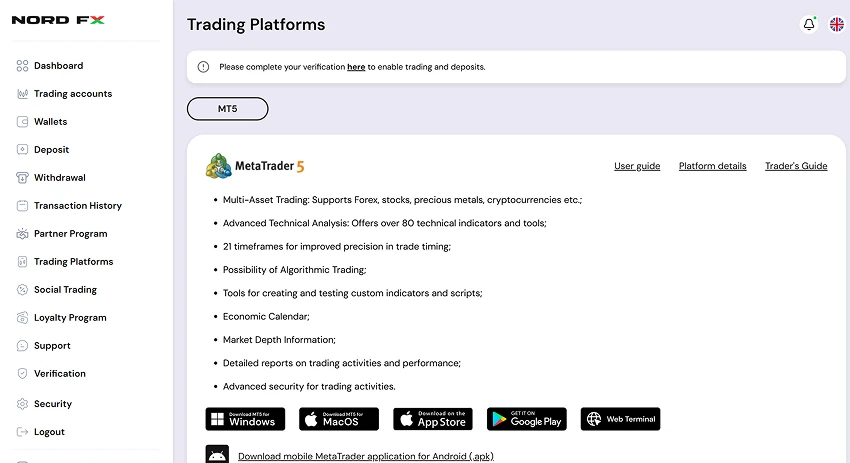
Go to the Trading Platforms section in your Personal Area and choose the platform that matches your trading account. You can install it on your computer, phone, or tablet, or use the MT5 web terminal.
Your account and trading data stay synchronized, so you can manage your trades from any device, anytime. With one account, you can access multiple markets, including currencies, gold, cryptocurrencies, stocks, and more.
Once the platform is installed, log in using your trading account credentials and start trading.